New
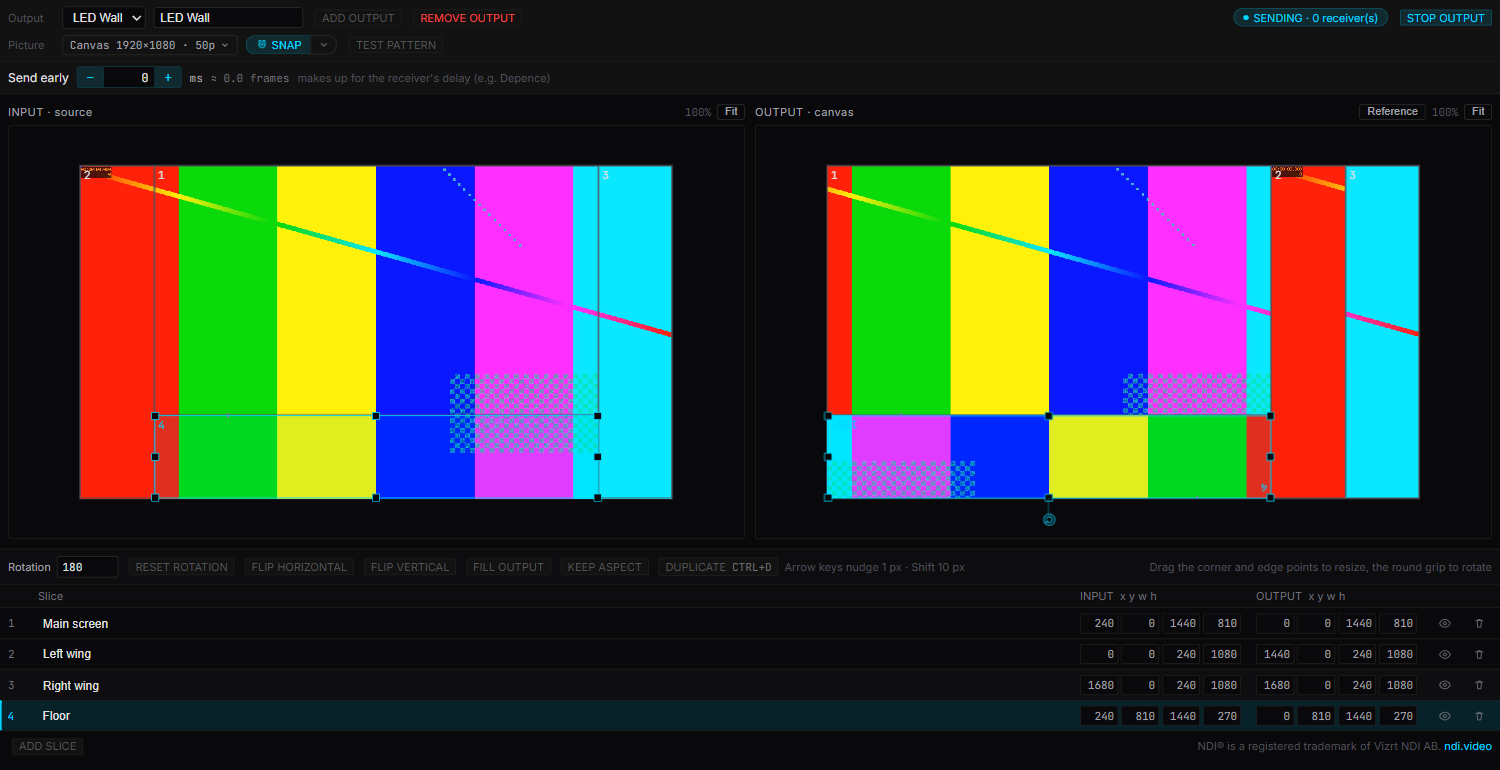
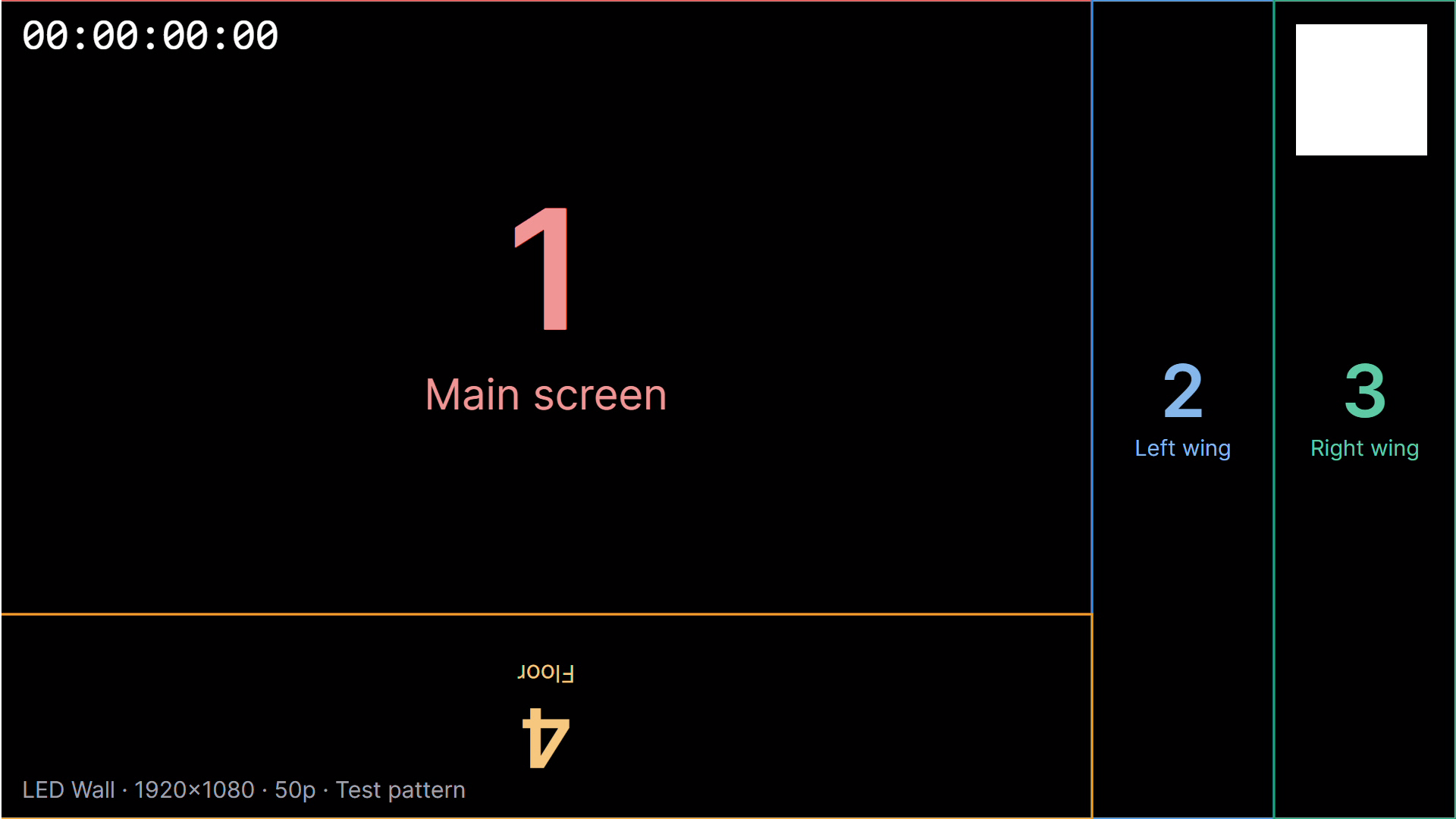
- NDI® video output (Pro). Send the song’s video to an LED processor or media server over NDI — cut into slices, rotated and placed on a canvas, kept in step with the timecode. Nothing else to install: the Windows and Mac versions both have the NDI library built in.
- The NDI editor has a test pattern with a once-a-second flash for checking sync, and a “Send early” setting to line up with your receiver — adjustable mid-show.
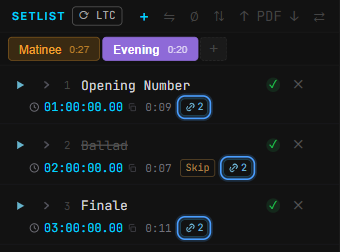
- Linked songs. The same song in several setlists can share its cues, lyrics and offset — fix a cue once and every list has it. Skip, after-finish and fades stay per list.
- Right-click a tab → Link same-file songs… finds songs that use the same audio file across lists and links them. Where their cues differ, you pick which version to keep.
- Copy, cut and paste songs between setlists (Ctrl+C / X / V), or drag them onto another list’s tab. Their cues, lyrics and settings come along.
- Skip a song without deleting it: it stays in the list, greyed out, and auto-advance, next / previous and every NEXT display step over it.
- A right-click menu on songs: copy, cut, paste, copy or move to another list, skip, and Show in folder.
- Setlist tabs: drag to reorder, pick a colour, see each list’s running time. Ctrl+Tab switches lists.
- File → About LTCast shows the version, the terms and third-party notices — Windows had no About box before. The installer now shows the current Terms of Use.
Worth knowing
- Switching setlists no longer stops playback when the playing song is in the other list too. If it isn’t, LTCast asks first.
- Now part of Pro: the Tour timeline, moving cues onto a new audio version, and AI align. Without Pro the Tour view is dimmed and can’t be clicked; your show still opens, saves and plays.
- LTCast keeps full speed behind other windows: when a media server or Depence covers it in full screen, Windows and macOS no longer slow its timers and video down.
- If you open LTCast for the first time without internet, the trial starts once you’re online — the title bar says “Start trial” instead of “Trial expired”.
Fixed
- Relinking a moved audio file now fixes the missing songs in every setlist at once, and reloads the song on deck.
- Big shows play smoothly again. With a lot of cues and lyrics, timecode could slow down and stutter and Pause didn’t stop LTC at once. Fixed — and it was already there in 0.7.27.
- Typing a cue name with a Chinese input method no longer locks the box after the first pinyin or zhuyin letter.
- Pressing Esc halfway through a pinyin or zhuyin word now just cancels it, instead of kicking you out of the box with the letters left behind.
- A duplicated setlist keeps its cues and lyrics after saving. Before, the copy lost them the next time the show was saved.
- Cloud Share: one crew phone having trouble no longer disconnects everyone, and a paid licence is no longer told its trial expired (both fixed on our servers on Sep 25). The app now logs why a connection failed.
- With the Tour open, starting a new show (File → New) turned the whole window into an error screen, and so did opening a show while the Tour had no songs. Fixed — it had been there since 0.7.9.
- During the 30-day trial, the setlist PDF, cue-sheet CSV and Replace audio buttons asked you to buy a licence. They now work for the whole trial.
- Replace audio on a song with no audio file yet, or one whose audio couldn’t be read, moved every cue in the song to 0:00. The cues now keep their times.